Choose a lead magnet that fits your reader’s next step. Explore four practical matching examples, clear signup invitations, and a five-question checklist for connecting blog content with a relevant free resource.
To match a blog post to the right lead magnet, start with the reader’s next useful action. Choose a free resource that helps them apply what they have just learned, make a decision, or solve a closely related problem.
That sounds straightforward, but it is easy to get the order backward. You create a free report, put the same invitation under every article, and hope readers will understand why they should subscribe.
A more deliberate approach asks: What would make this particular reader think, “That would help me do the next thing”? This guide shows you how to answer that question without creating a separate download for every post or turning a simple email funnel into another complicated project.
A lead magnet is a free resource offered as an incentive to join an email list. It might be a report, checklist, worksheet, template, or short email course. AWeber describes this role in its guide to creating a lead magnet.
A content upgrade is a more specific version: a bonus resource connected directly to an individual article. For example, a tutorial about planning a welcome email could offer an editable welcome-email template. AWeber discusses this article-specific approach in its email list-building guide.
You do not need to choose one approach forever. A broader report can serve several related posts, while a focused template can support a particular tutorial. The question is whether the connection is useful and honest.
Before choosing a download, describe the article’s reader in one sentence. Be more specific than “someone interested in affiliate marketing.”
For an article about a first welcome email, the sentence might be:
“This reader has a signup form and needs to write the message that delivers the promised resource.”
For an article comparing email platforms, it might be:
“This reader needs to decide which features matter before choosing a provider.”
Both articles concern email marketing, but the immediate tasks are different. The first reader needs help writing. The second needs help evaluating.
This is the same distinction explored in How to Match Content to Buyer Intent in Affiliate Marketing: a shared topic does not mean every visitor needs the same next step.
Use the article’s title, introduction, and main explanation as your starting evidence. Treat your description of the reader as a working assumption, not proof of what every visitor wants.
Before deciding that a resource belongs in an article, check its topic, difficulty, and practical use.
An article about choosing a traffic source and a worksheet for comparing traffic channels address the same decision. An article about choosing a traffic source and a collection of advanced email subject lines do not.
The second resource may still be useful. It simply asks the reader to switch tasks.
Try explaining the connection without using a broad phrase such as “grow your business.” A direct explanation would be: “This worksheet helps you compare the traffic options discussed in the article.”
A topic match is not enough when the resource assumes knowledge or tools the reader does not have.
For example, a beginner learning what affiliate tracking means may not be ready for a spreadsheet that requires detailed campaign exports and several calculated metrics.
Choose something they can understand with the information already provided. When a resource has prerequisites, explain them rather than making the download sound suitable for everyone.
Match the format to the work. A checklist can help someone verify a setup. An editable template can help them write. A comparison worksheet can help them choose. A report can help them understand a broader issue.
Ask what the reader will actually do after opening the resource. “Read more information” may be appropriate, but it should not be the automatic answer to every practical problem.
A useful test is to finish this sentence: “After using this resource, the reader should be able to…” Name a realistic action, not an income promise.
The examples below are hypothetical planning illustrations, not additional downloads currently offered by Partner to Wealth.
Article: A tutorial explaining what to include in the first message after someone requests a free report.
Matched resource: An editable delivery-email template with space for the resource link, a short introduction, and expectations for future emails.
Why it fits: The article explains the message. The template helps the reader write their own version.
Sample invitation: “Ready to write your delivery email? Get the editable template and adapt it to the resource your subscribers requested.”
A general collection of promotional emails would be a weaker match because the immediate job is delivering a resource, not planning a sales campaign.
Article: A beginner guide to evaluating email marketing tools.
Matched resource: A requirements worksheet covering signup forms, welcome messages, automation needs, support, and the reader’s budget.
Why it fits: The worksheet helps the reader apply the evaluation criteria instead of choosing from a long feature list without priorities.
Sample invitation: “Use the requirements worksheet to separate the features you need now from the extras you can consider later.”
An advanced automation template would skip the decision the reader is still trying to make.
Article: A guide to selecting one primary traffic source.
Matched resource: A planning worksheet that helps the reader compare available time, suitable content formats, learning requirements, and a realistic testing budget.
Why it fits: The reader can turn general advice into a choice that reflects their circumstances.
Sample invitation: “Compare your traffic options with the planning worksheet before committing to a channel.”
A promise of instant visitors would not be a substitute for that planning work. The resource should support a decision, not guarantee the outcome.
Article: A troubleshooting guide for a blog post that receives visits but few email signups.
Matched resource: A diagnostic checklist covering the invitation, destination page, working form, promised resource, and delivery email.
Why it fits: The reader needs to inspect an existing process rather than start another one.
Sample invitation: “Work through the diagnostic checklist to find which part of your signup journey needs attention.”
A new website-building course would broaden the task unnecessarily unless the investigation actually identified a website problem.
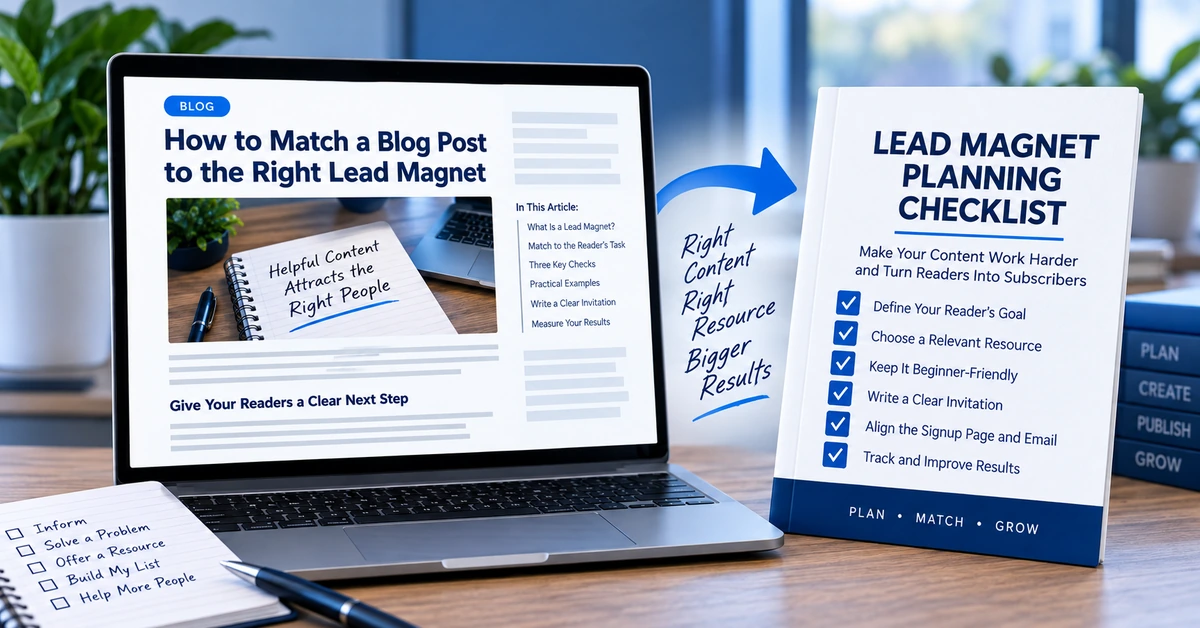
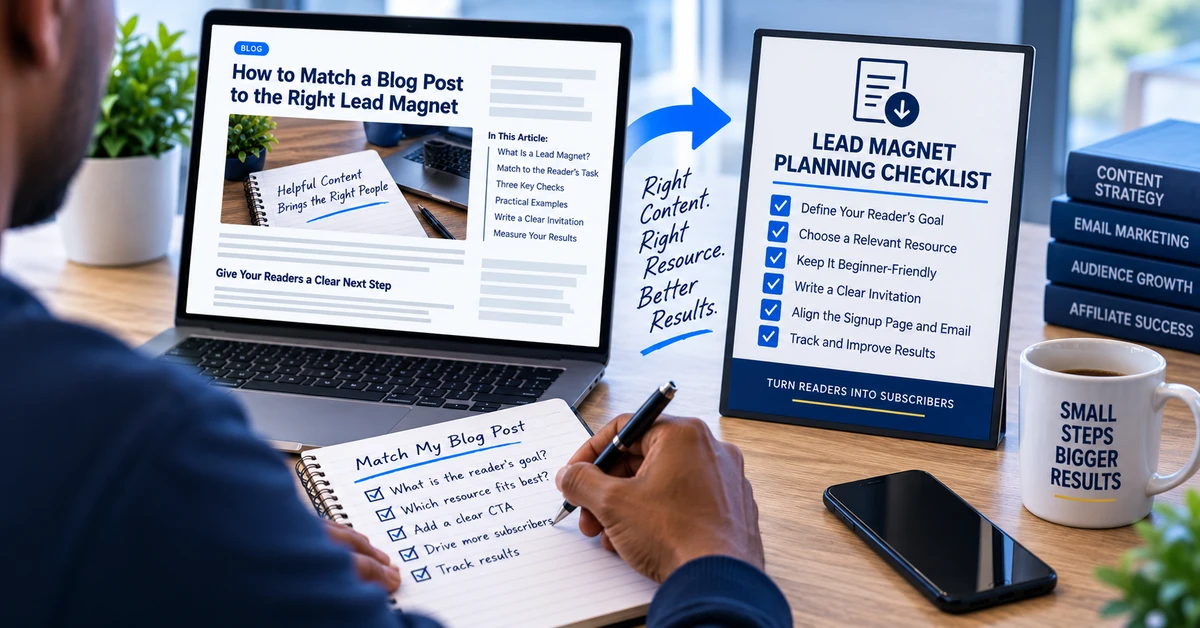 Illustrative example of matching a blog post to a relevant resource—not a downloadable PTW checklist.
Once you have chosen a suitable lead magnet, explain the connection in the invitation. Do not make the reader work it out from a button labeled “Submit.”
A practical structure is: the task the reader is facing, the resource that helps, and the action required to receive it.
For the hypothetical welcome-email template, that could become:
“You now know what your delivery email needs to include. Join the email list to receive an editable template you can adapt for your own free report.”
The accompanying button might say “Get the Welcome Email Template.”
That wording identifies the resource and the next action. AWeber’s call-to-action guidance similarly emphasizes communicating the value of the incentive and making clear what subscribers will receive.
Keep the promise within what the resource actually delivers. A template helps someone draft an email; it does not guarantee subscribers, clicks, or sales.
Also distinguish between the steps in the journey. A link inside an article may open a signup page, while the button on that page submits the form. Make the surrounding wording clear enough that neither action is a surprise.
Yes. Reusing a relevant resource is different from placing an unrelated invitation everywhere.
Suppose your existing report genuinely covers several beginner mistakes in a particular subject. Articles addressing those mistakes individually could introduce the same report from different angles.
The invitation can highlight the part relevant to the article, but it must describe material that is actually in the report. Do not rename a general guide as a specialized worksheet merely to make the match sound closer.
Mailchimp’s opt-in list guidance recommends aligning incentives with audience goals and avoiding a mismatch between the resource promised and the resource delivered.
For a small site, I would start with the useful resources already available. Add a more specialized download when a recurring reader need justifies creating, delivering, and maintaining it.
When no existing lead magnet fits, a relevant article can be the next step instead. Not every useful visit needs to become an immediate email signup.
Open the actual download before writing its invitation. A title or cover image is not enough to establish what it contains.
Look for the instructions, examples, or explanations you plan to mention. Check that its links work and that any referenced tools or screenshots still make sense.
Then test whether someone can use it as described. An “editable template” should be editable. A checklist should contain actionable checks. A report should not be promoted as a personal assessment when it gives everyone the same general information.
This review also helps with resource length. Rather than making the download longer to increase its apparent value, remove anything that distracts from the job you promised it would do.
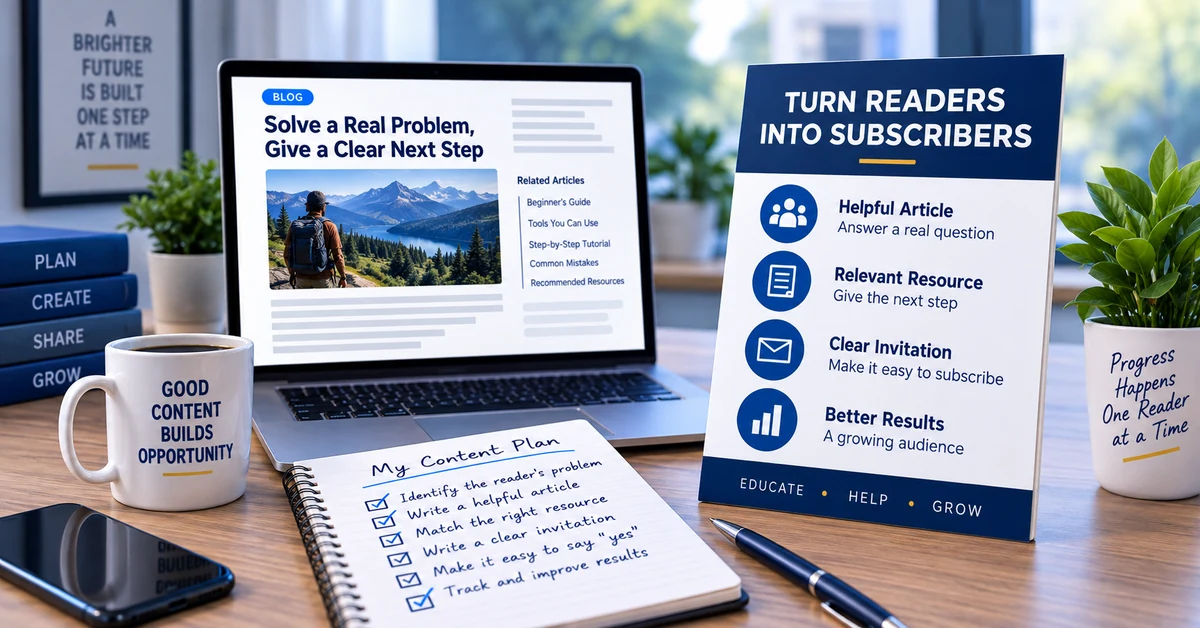
Before adding the invitation to an article, answer these five questions:
These are editorial checks, not a formula that predicts conversion rates. A clear mismatch is a reason to revise the invitation or choose a different next step.
The match should continue after the reader leaves the article.
Use the same resource name on the signup page, explain what joining involves, and make the promised material easy to locate after signup. AWeber’s lead-magnet guide describes using a welcome email to provide access and explain what subscribers can expect next.
For the hypothetical requirements worksheet, the next helpful email might explain how to prioritize essential features. Sending an unrelated product pitch instead would abandon the task that made the worksheet appealing.
This is one part of building a simple affiliate marketing funnel: each step should have a clear purpose, and the next step should make sense in the context of the previous one.
You do not need a large sequence to check this continuity. Start by reading the article invitation, signup page, and delivery email together.
After checking the complete journey yourself, use the reporting available in your setup to investigate how visitors respond.
Separate three questions: Are people reaching the article? Are they clicking toward the resource? Are visitors to the signup page completing the signup?
Those are different stages. A weak result at one stage does not prove that the lead magnet itself is the problem.
For example, few clicks from an article could prompt a review of the invitation and its relevance. Clicks followed by few signups could prompt a review of the destination page and form. Signups followed by confused replies could prompt a review of the promise and delivery.
Track each rate using a clearly defined denominator and the same reporting period. Article-to-signup-page clicks divided by article visits measures something different from confirmed new signups divided by signup-page visits.
Do not claim article-specific results when your reporting only shows combined traffic. Small samples and changing traffic sources also make comparisons uncertain.
When practical, change one meaningful element at a time and record what changed. The broader approach is covered in How to Track Affiliate Marketing Without Overcomplicating It.
The right lead magnet is not necessarily the newest, longest, or most impressive-looking resource you have.
It is the resource you can connect honestly to the reader’s current task.
Start with one article. Identify its promise, choose an appropriate resource, inspect what that resource actually delivers, and write a clear invitation. Then check the signup page and welcome email before judging the results.
Make the article useful on its own. Let the lead magnet help the reader take the next step.
Building your broader affiliate-marketing foundation? Explore Partner to Wealth’s free report, Why You’ll Never Succeed Online, through the report signup page.
Subscribe to get the latest posts sent to your email.
If you found this guide helpful, please tap the Like button and share it with someone who could benefit. Every Like and Share helps more people discover Partner to Wealth.