
Want to repurpose a helpful affiliate blog post into short-form video content? Learn a practical 60-second script structure you can use for educational videos without turning every post into a sales pitch.
Writing a useful blog post takes time. So does recording or producing a video. That is why many affiliate marketers eventually ask a practical question: can one piece of content do more than one job?
The answer is yes—if the original content is genuinely useful and if the repurposed version is designed for the format you are using.
This is where learning how to turn an affiliate blog post into a video script becomes valuable. A well-written article can often become the foundation for a short educational video, especially when the article already explains a beginner-friendly concept, process, comparison, or common mistake.
But a blog post should not simply be read word for word on camera.
Written content and short-form video work differently. A blog reader may be willing to spend several minutes reviewing explanations, subheadings, examples, and tables. A short video viewer usually needs a quick hook, one clear lesson, and a simple next step.
In this guide, you will learn a practical step-by-step process for turning a useful affiliate blog post into a 60-second educational video script that is clear, focused, and appropriate for beginner audiences.
Quick answer: Start with one clear teaching point from your blog post, simplify it into a strong hook, explain two or three key ideas in plain language, and end with a small educational call to action. Do not try to squeeze your whole article into one video.
This article is educational. It does not assume that publishing videos automatically creates traffic, subscribers, or sales.
Many affiliate blog posts already contain the raw material needed for useful short-form videos.
For example, a blog article may answer one of these beginner questions:
Those topics are already structured around a clear educational purpose. That means they can often be adapted into short videos more easily than content that has no defined lesson.
Repurposing a post into video can help you:
However, the goal is not to copy the article into video format word for word. The goal is to create a shorter version that keeps the article’s most helpful teaching point.
A blog post and a 60-second video serve the same broad purpose—communication—but they do not work in the same way.
| Format | What Works Best | What Usually Fails |
|---|---|---|
| Blog post | Detailed explanations, headings, examples, and supporting links | Overly vague content with no structure |
| Short video | One clear hook, a few useful points, and a focused takeaway | Reading a long article word for word |
If you try to say everything that appears in the blog post, the video becomes crowded, slow, and unclear.
A better approach is to identify the single most useful lesson from the article and build the video around that lesson.
The first step is to stop asking, “How do I turn this whole post into a video?” and start asking, “What is the strongest 60-second teaching angle inside this post?”
Every useful article usually contains more than one possible angle.
For example, a longer post about GA4 key events might contain these smaller video ideas:
Any one of those can become a stronger short video than trying to summarize the entire article in one minute.
Rule of thumb: one blog post can often become several short videos.
A simple structure helps you stay focused. You do not need a complicated production system to begin.
Here is a practical 60-second framework:
| Section | Purpose | Approximate Time |
|---|---|---|
| Hook | Get attention with a useful question, problem, or surprising clarification | 0–8 seconds |
| Main teaching point | State the core lesson clearly | 8–20 seconds |
| Supporting points | Explain two or three short ideas, steps, or examples | 20–50 seconds |
| Close / CTA | End with a simple next step | 50–60 seconds |
This format works especially well for educational content because it gives the viewer a reason to keep watching without overwhelming them.
Before you write the script, identify the one thing the viewer should understand by the end of the video.
For example:
Another example:
The tighter your teaching point, the easier the rest of the script becomes.
The hook should create interest without becoming misleading.
You do not need hype. You need clarity and curiosity.
Useful hook styles include:
A strong hook should lead naturally into the lesson, not distract from it.

This is one of the most important parts of the process.
Once you have the hook and the main lesson, choose only a few supporting points from the article.
Do not try to include every heading from the post.
For a 60-second educational video, two or three short support points are usually enough.
Main lesson: Not every metric should be treated like a result.
Supporting points:
That is enough for a clear educational video.
Blog writing and spoken delivery sound different.
When turning article content into a script:
For example, this blog-style sentence:
“Affiliate marketers should distinguish between intermediate website interactions and independently verified financial outcomes.”
Can become this spoken version:
“An affiliate click and an actual commission are not the same thing.”
The second version is simpler, faster, and easier to understand in a short video.
Your call to action should match the purpose of the content.
For a short educational affiliate-brand video, a CTA does not need to sound like a hard sales pitch.
Examples include:
If the original blog post links to a helpful related resource, the video can point people to that article or guide rather than forcing a direct promotional jump.
Here is a simple example based on a beginner-friendly affiliate blog topic.
WordPress Image Alt Text vs File Names: What Matters for SEO?
Hook: A lot of WordPress users treat alt text and file names like the same thing—but they’re not.
Main point: Your image file name helps organize and label the file, while alt text helps describe the image for accessibility and context.
Supporting point 1: A file name might be something like “wordpress-image-alt-text-example.webp.”
Supporting point 2: Alt text should describe what’s actually shown in the image, like “Person editing photos on a desktop computer.”
Supporting point 3: Stuffing both with random keywords doesn’t make the image more useful.
CTA: If you want the full breakdown, read the full article at Partner to Wealth.
Notice what happened here:
To make this process faster, it helps to use the same system each time.
| Step | What to Do |
|---|---|
| 1 | Choose a blog post with a clear educational lesson |
| 2 | Identify one strong video angle from the post |
| 3 | Write a short hook |
| 4 | Select two or three support points |
| 5 | Rewrite for spoken delivery |
| 6 | Finish with a simple educational CTA |
| 7 | Use the finished script for video production |
This process is especially useful if you plan to build a repeatable routine using blog content, Buzz Builder ideas, and ToonBee production.
Not every post converts equally well.
The best candidates usually have one clear lesson that can be understood quickly.
Good examples include:
More difficult examples include:
That does not mean difficult posts are useless. It just means they may need to be broken into multiple video angles instead of one summary script.
This is the fastest way to create a crowded and confusing video.
If the script sounds stiff, the video usually feels stiff too.
If the first few seconds are vague, the viewer may leave before the lesson begins.
Short videos work better when one message is clear.
If the content is supposed to educate, the CTA should support that purpose rather than overwhelm it.
The short script should still reflect the helpful core lesson that made the original post worth publishing.
Here is a simple template you can reuse.
Hook: A lot of people think [common assumption], but [important clarification].
Main teaching point: Here’s the simple version: [core lesson].
Support point 1: First, [short explanation].
Support point 2: Second, [short explanation].
Support point 3: Third, [short explanation or example].
CTA: If you want the full breakdown, [next step].
This is not the only format you can use, but it provides a repeatable starting point.
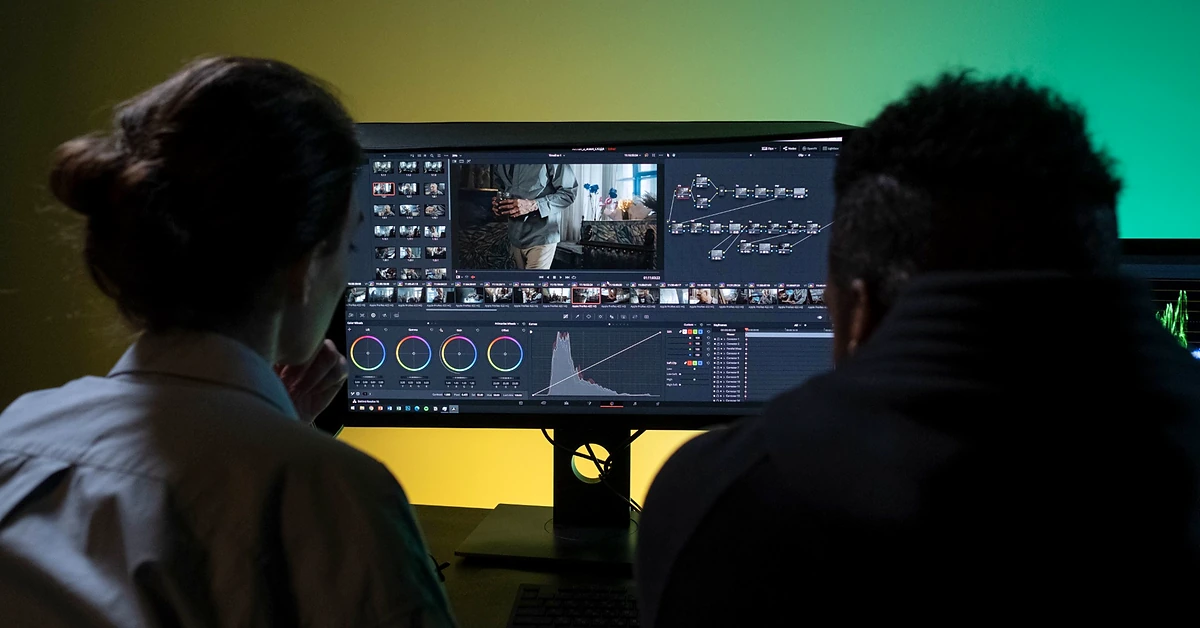
For Partner to Wealth, this workflow can become especially valuable because it connects several separate efforts into one system.
Over time, that means one educational post can potentially support multiple short-form assets rather than remaining limited to one blog format.
The long-term benefit is not just content volume. It is a more connected and efficient publishing process.
You can, but it usually makes the video slower and less effective. Short educational videos usually work better when the article is simplified into a spoken script.
It depends on speaking pace, but many 60-second scripts fall roughly in the range of about 120 to 160 spoken words. Clarity matters more than hitting an exact number.
No. Start with posts that contain one clear lesson or one strong question that can be answered quickly.
Yes. In many cases, that is the better approach. A longer article may contain several distinct video angles.
No. For educational affiliate content, the CTA can simply guide the viewer to the full article, a helpful related resource, or your content library.
Learning how to turn an affiliate blog post into a video script is less about squeezing more out of one post and more about improving the usefulness of the content you already create.
A strong blog article can become the foundation for short educational videos when you simplify the lesson, narrow the focus, and write for spoken delivery instead of copying the whole article.
Start with one useful teaching point. Build a strong hook. Support it with only a few clear ideas. Then end with a practical next step.
That approach gives you a better chance of creating video content that is easier to produce, easier to understand, and easier to reuse in a repeatable publishing system.
If you want to strengthen the source material first, read our guide on search intent for affiliate marketing and our article on WordPress image alt text vs file names.
Subscribe to get the latest posts sent to your email.
If you found this guide helpful, please tap the Like button and share it with someone who could benefit. Every Like and Share helps more people discover Partner to Wealth.